Go live and co-edit a board
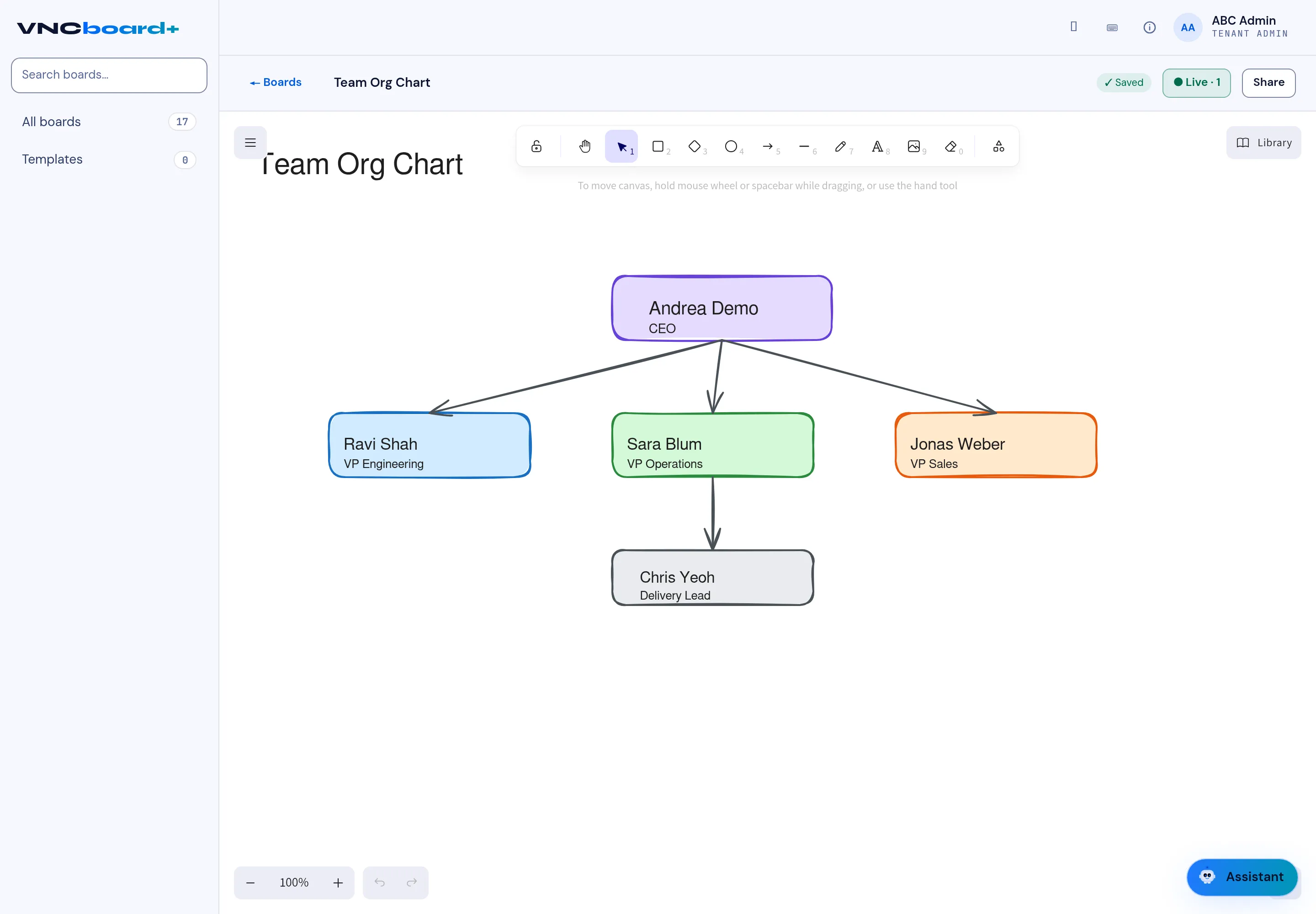
Go live turns a board into a live session: you and anyone with the invite link edit the same canvas at the same time. The session is end-to-end encrypted, and you see each other’s cursors.
- Open the board.
- Select Go live (top right). An invite link is copied to your clipboard.
- Send the link to the people you want in the session.
- They open the link and land on the same board; their edits appear live, and their cursors are shown.
- While the session runs, Go live becomes ● Live · N — the number of people in the session.
- To end your part, select ● Live · N and choose to leave the live session.
Result
Section titled “Result”Everyone in the session works on the same board in real time; changes are autosaved (Saved). The session ends for you when you leave.
Go live is for co-editing. To hand out a board that people can only look at, use Share instead — it mints a read-only, expiring link.