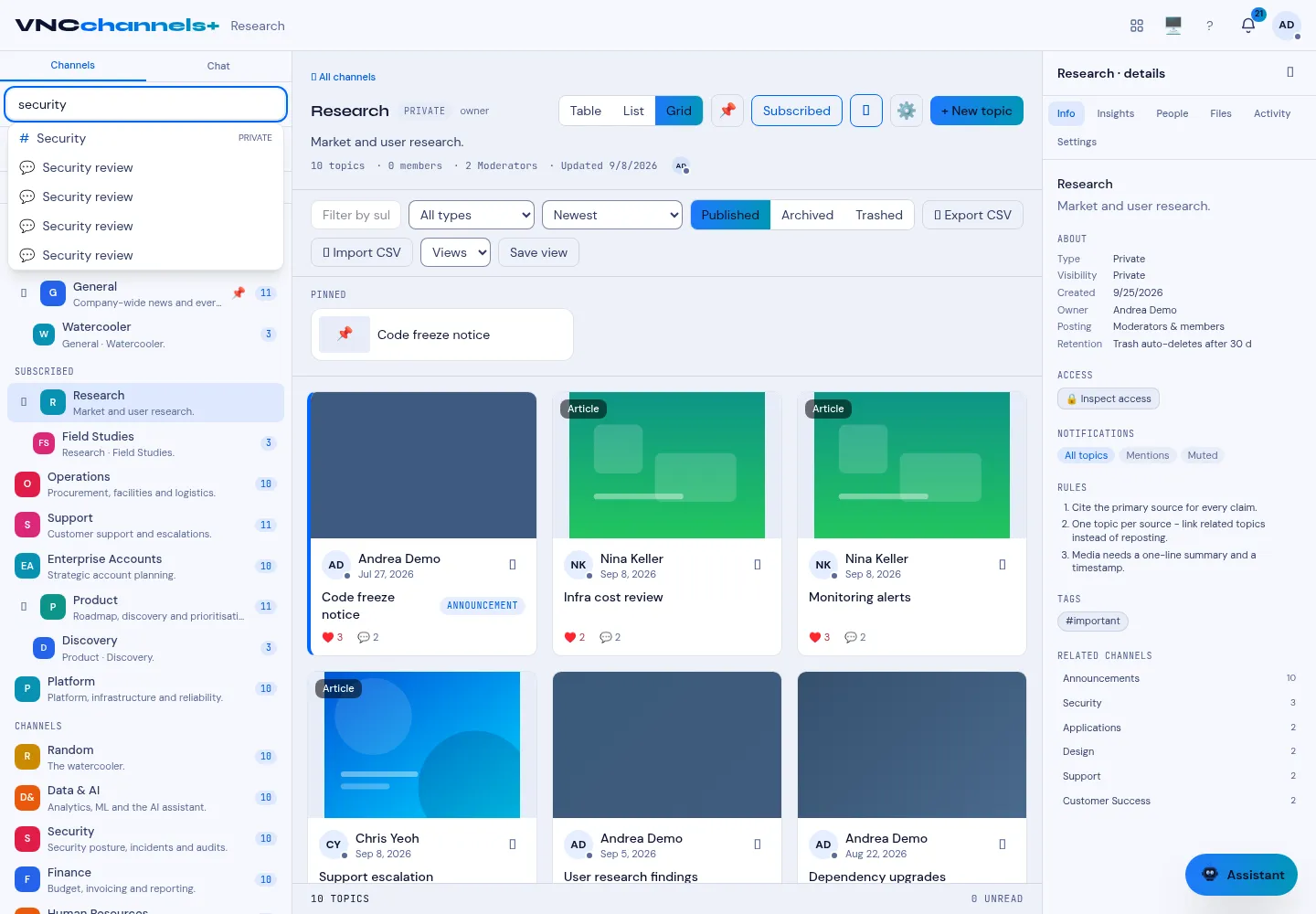
Search channels and topics
Search looks across channel names, topic subjects and topic bodies, so you can find something without remembering which channel it lives in.
- In the sidebar, select the Search channels & topics box.
- Type your query — for example a keyword or a person.
- Select a result to open the channel or topic.
Result
Section titled “Result”Results appear grouped by channel and topic as you type. Selecting a topic opens it directly, with its channel as the breadcrumb.