Save and finish a draft
A draft is a topic that is written but not published. Drafts are private to you until you publish them.
- Start a topic with + New topic and write it.
- Instead of Post, leave it as a draft — it is saved as you write.
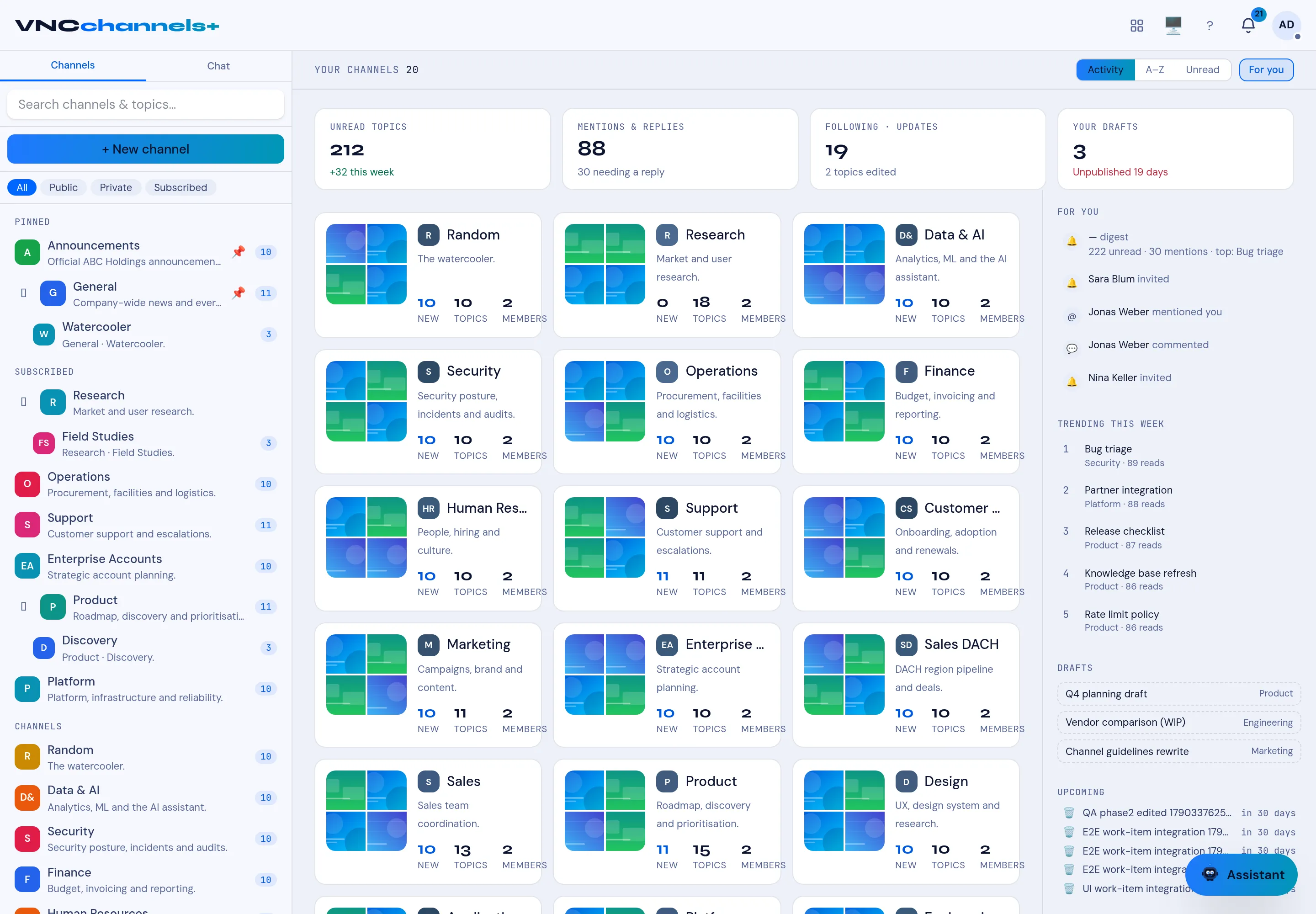
- Find it again on the home page, in the DRAFTS list on the right.
- Select the draft to reopen it, finish it, and select Post.
Result
Section titled “Result”The draft shows a title and its origin channel, and YOUR DRAFTS in the KPI band counts how many you have open. Publishing removes it from the draft list and posts it to its channel.