Open and navigate a board
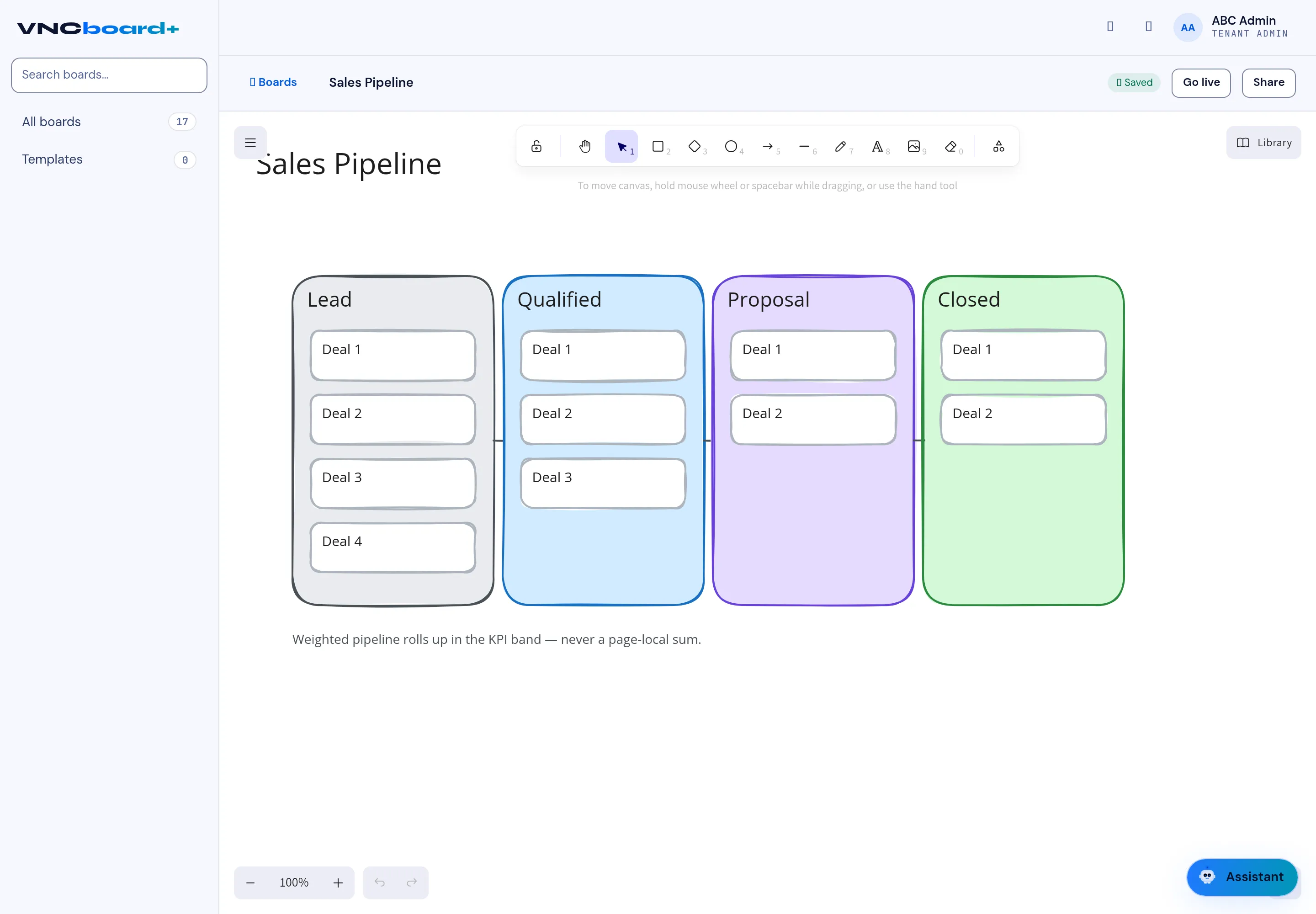
A board opens on an infinite canvas. Columns hold cards, and the toolbar lets you add and connect them.
- Open Boards and select a board (for example Sales Pipeline), or select Open on its card.
- Move around the canvas by holding the mouse wheel or Space while you drag, or pick the hand tool.
- Use the left-hand toolbar to add a note, card, diamond, circle or arrow, and to draw, add text, images or a frame.
- Use + / − (or the percentage) to zoom, and the arrows to undo/redo.
- When the board is ready, select Go live to publish it, or Share to send it to colleagues.
Result
Section titled “Result”Changes are saved automatically — the top bar shows Saved. Library opens reusable templates and assets.