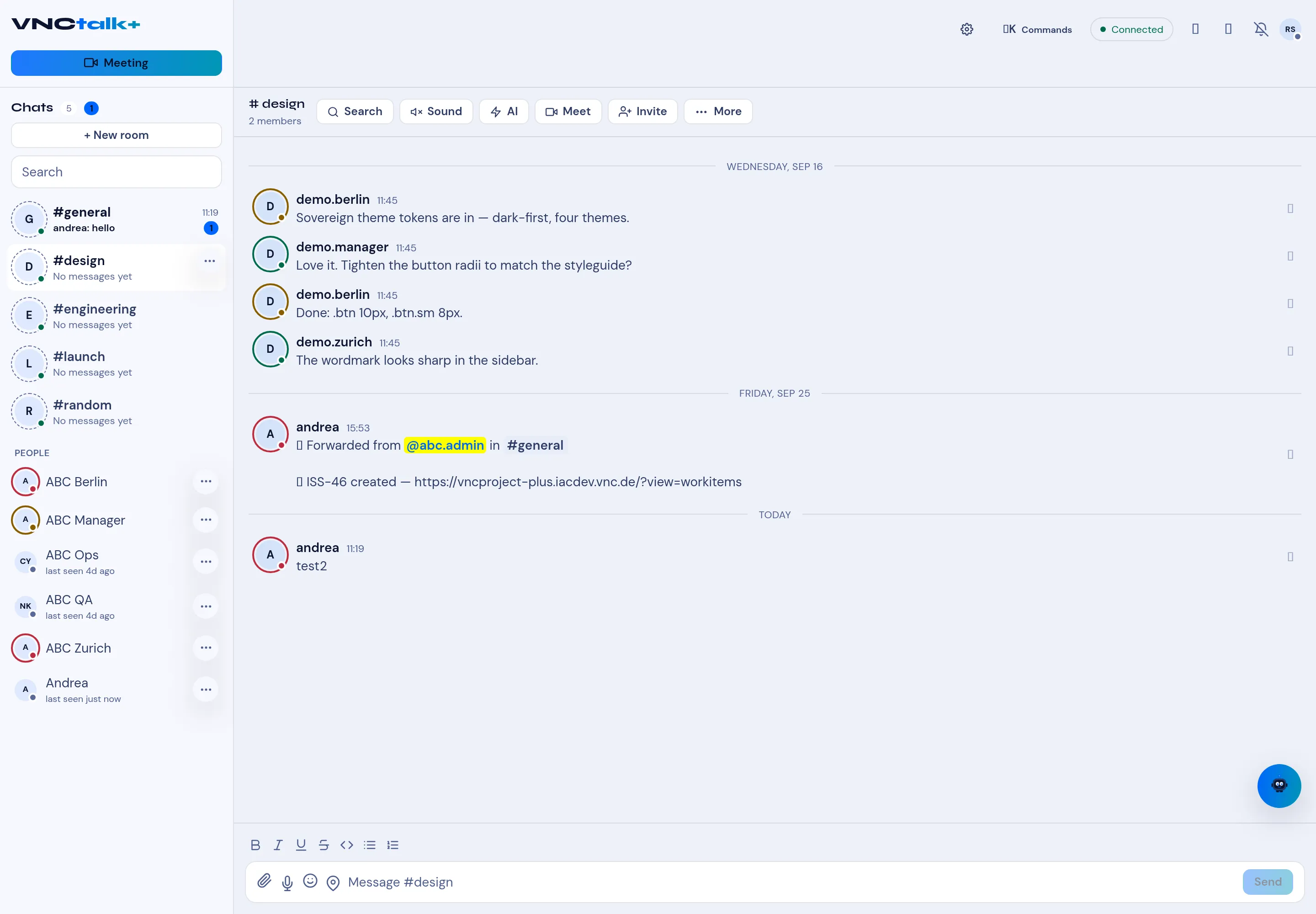
The room toolbar
At the top of a room: the room name and member count, then the toolbar.
| Button | Opens |
|---|---|
| Search | Search your messages. |
| Sound | The per-room notification sound. |
| AI | The AI actions (below). |
| Meet | Start or join a video meeting. |
| Invite | Invite people to a room. |
| ⋯ More | The full menu (below). |
The More menu
Section titled “The More menu”- Meeting — New meeting…, Schedule meeting…, Start screenshare.
- Room — Poll, Info, Settings.
- AI — Summary, Minutes.
- Conversation — Select messages.
- Conversation — Export, Record.