Browse the partner library
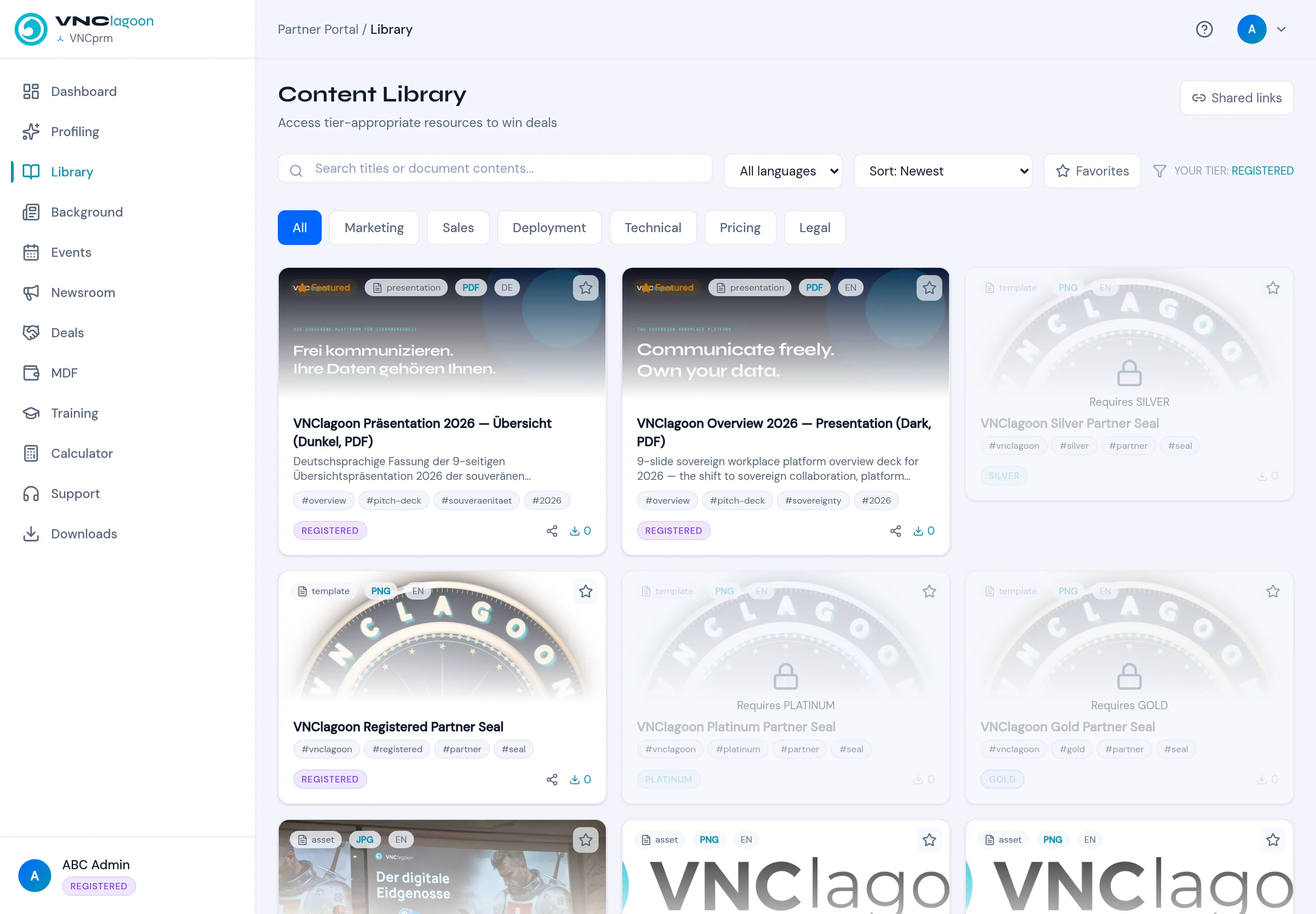
The Content Library holds the material partners need to win deals. What you can open depends on your partner tier.
- In the partner portal, select Library.
- Search titles or document contents, or filter by language, sort order or Favorites.
- Use the categories — All, Marketing, Sales, Deployment, Technical, Pricing, Legal.
- Open an item to view or download it. Locked items show the tier they require (for example Requires SILVER); your current tier is shown at the top right (YOUR TIER: REGISTERED).
- Use Shared links to create a link you can send to a customer.
Result
Section titled “Result”Approved items carry their tier badge (REGISTERED, SILVER, PLATINUM, GOLD). Downloads are counted per asset.