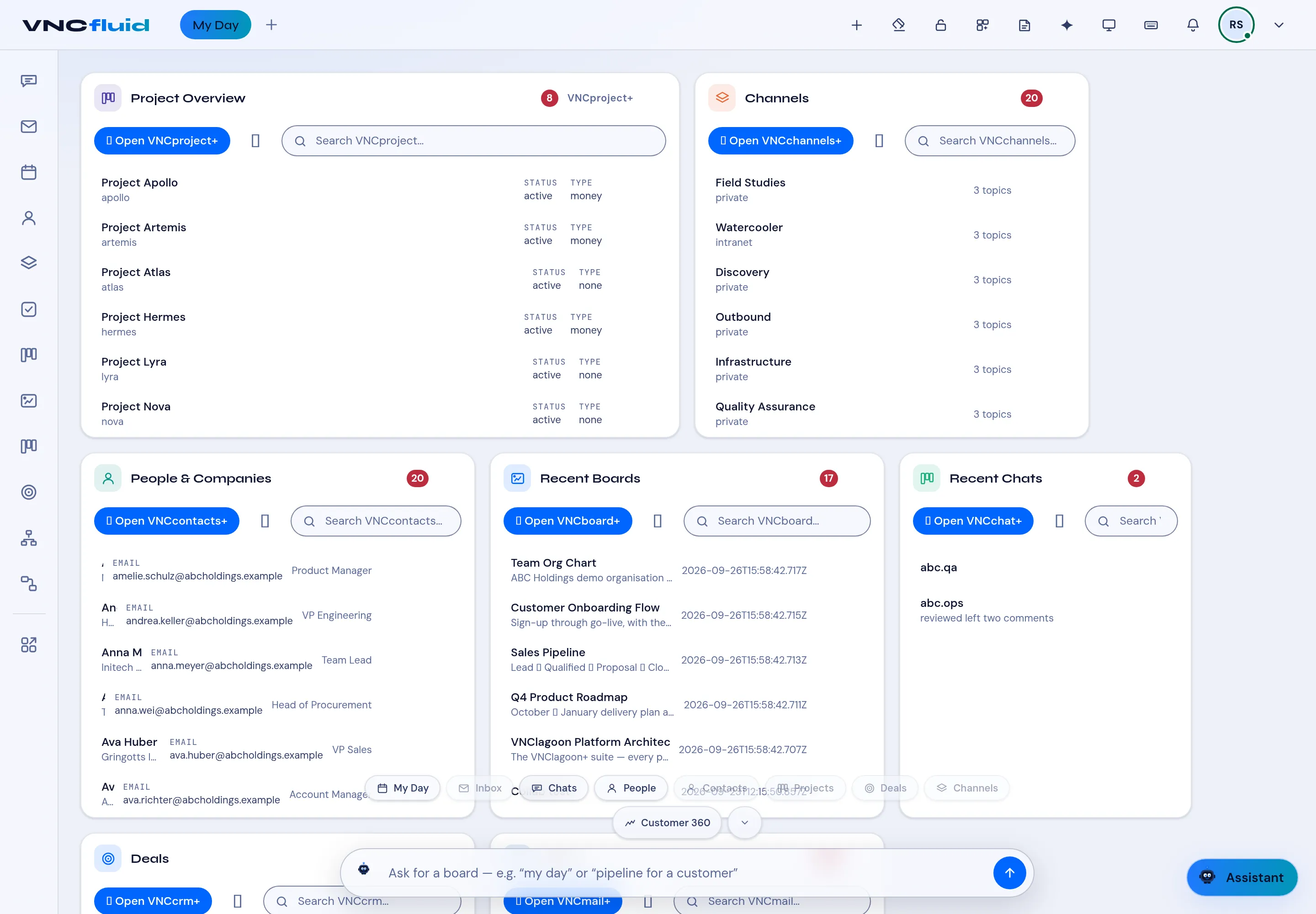
Use the bar and quick chips
The bar along the bottom of My Day is the fastest way to change what the dashboard shows.
- Open VNCfluid. My Day is the default.
- Pick a quick chip — My Day, Inbox, Chats, People, Contacts, Deals, Channels, Customer 360 — to switch the view.
- Or type a request in the Ask for a board box — for example my day or pipeline for a customer — and send it.
- The cards update to match. Each card still has its own Search and Open ….
- Select + in the top bar to add another card to the dashboard.
Result
Section titled “Result”You do not have to open each product to see the slice you need — the chip or the prompt pulls it into My Day.