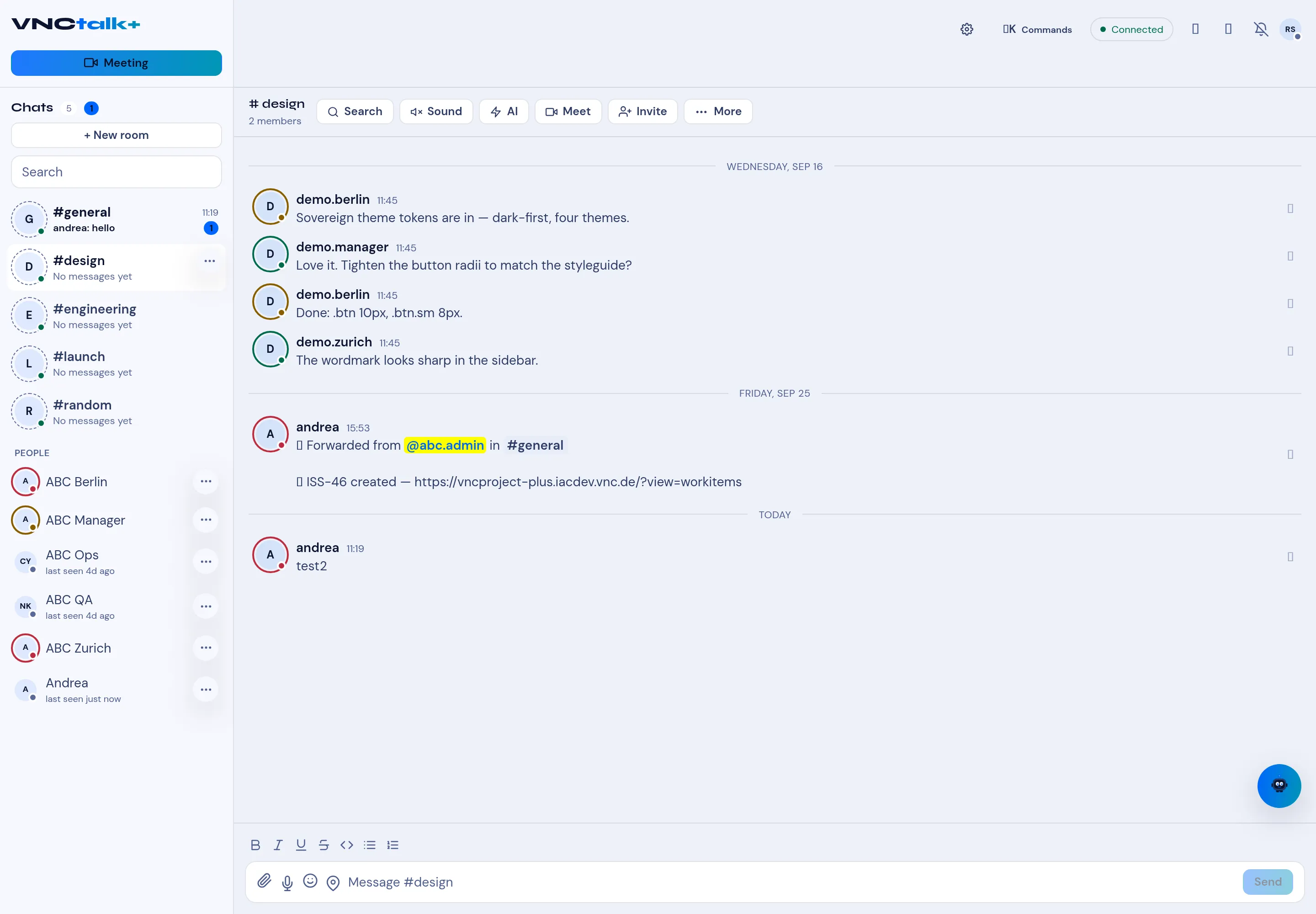
The chat AI — summary, minutes, transcript
VNCchat brings the suite’s AI into the conversation (the AI menu names the model, e.g. Qwen). Besides the room actions below, the same AI menu is available in a meeting for the call.
| Action | Produces |
|---|---|
| Summary | A short summary of the conversation so far. |
| Minutes | Structured minutes of the discussion. |
Open them from ⋯ More → AI → Summary or Minutes. The result is written into the room so the whole team sees it.
Transcript, copy and regenerate
Section titled “Transcript, copy and regenerate”The AI menu also offers Transcript (the full text). While it works it shows AI working — this can take a few seconds; use Copy for the result and Regenerate to run it again. Output is marked AI generated — may be inaccurate.
In a meeting
Section titled “In a meeting”The meeting window’s AI menu has the same Summary / Minutes / Transcript for the call — see Controls in a meeting.