Task settings
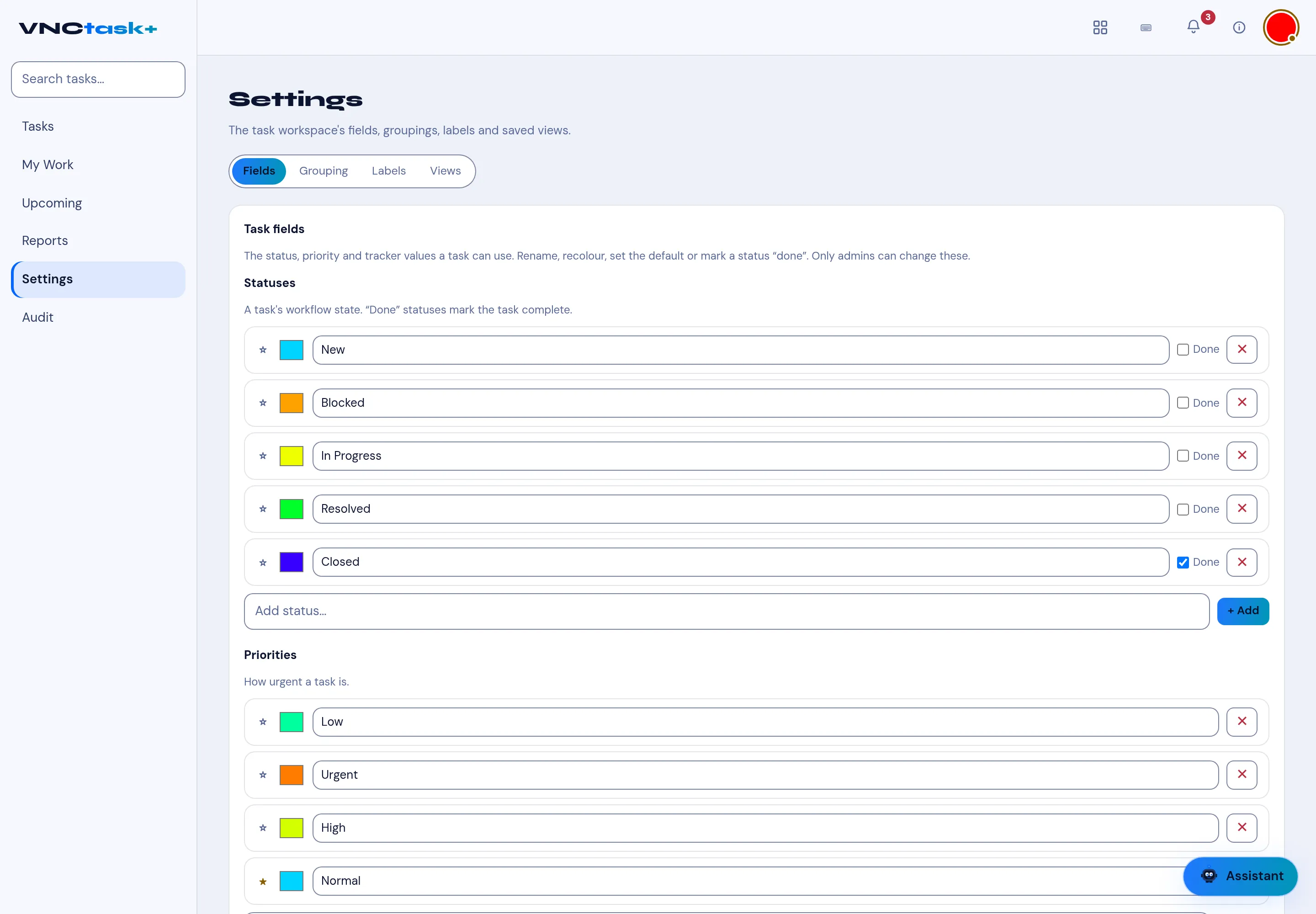
Settings holds the task workspace’s fields, groupings, labels and saved views. The workspace description reads: The task workspace’s fields, groupings, labels and saved views. The tabs are Fields, Grouping, Labels and Views.
Fields
Section titled “Fields”Task fields — The status, priority and tracker values a task can use. Rename, recolour, set the default or mark a status “done”. Only admins can change these.
- Statuses — New, Blocked, In Progress, Resolved, Closed with a colour swatch and a Done tick; a done status marks the task complete (Closed is marked done). Add one with Add status… and + Add.
- Priorities — Low, Urgent, High, Normal, each with a colour.
Each row can be renamed, recoloured, set as the default (the ✱) or removed (the ✕).