Your work
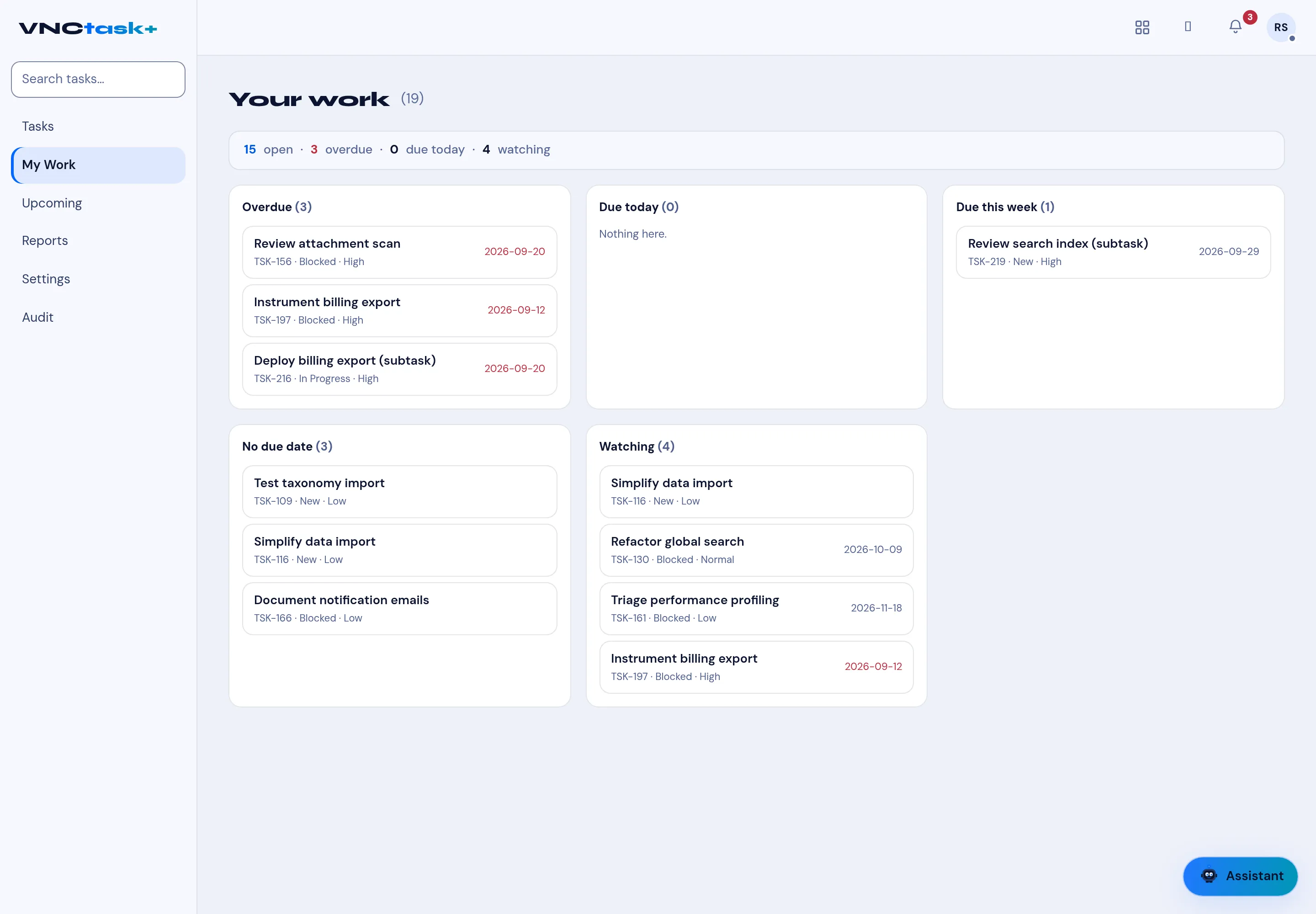
My Work is your personal view of the task board, grouped by how soon each task needs you. Use it instead of scanning the full Tasks list.
- Open Tasks and select My Work in the left navigation.
- The header summarises your load — for example 15 open · 3 overdue · 0 due today · 4 watching.
- Work through the groups:
- Overdue — past their due date (shown in red),
- Due today,
- Due this week,
- No due date,
- Watching — tasks you follow but do not own.
- Select a task to open it.
Result
Section titled “Result”The view updates as tasks are completed or reassigned. Upcoming, Reports and Audit in the same navigation give the calendar, summary and history views.