Sending identities
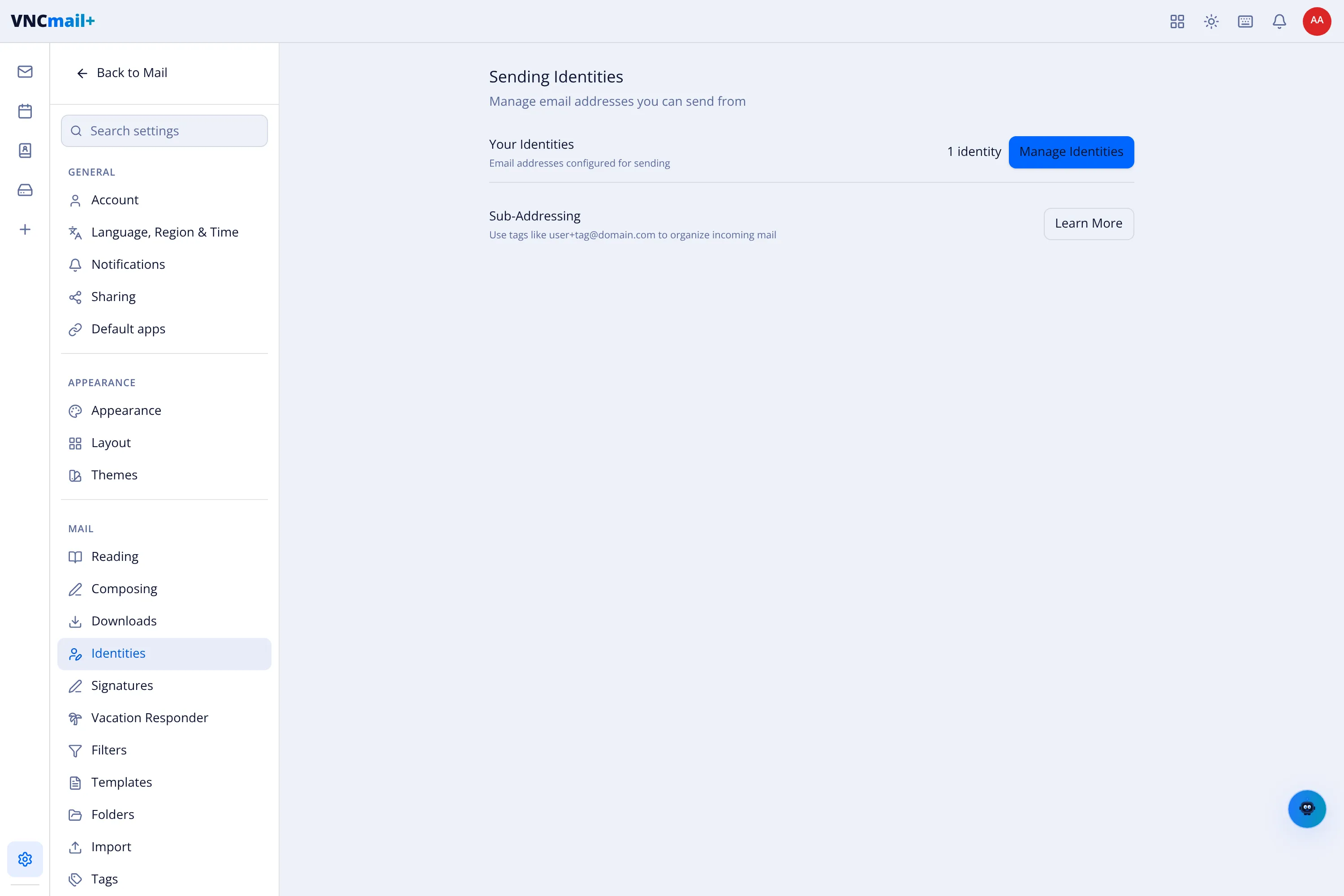
Settings → Identities manages the addresses you can send from.
Your identities
Section titled “Your identities”The count and Manage Identities — add or remove sending addresses. In the composer, From shows the chosen identity and Override switches it for one message; the + adds another. This is the list that Reply From Received Address matches against — see Composing settings.
Sub-addressing
Section titled “Sub-addressing”Use tags like user+tag@domain.com to organise incoming mail. The Sub-Address
Delimiter (set in Composing settings) is the character separating your username
from the tag — commonly +.