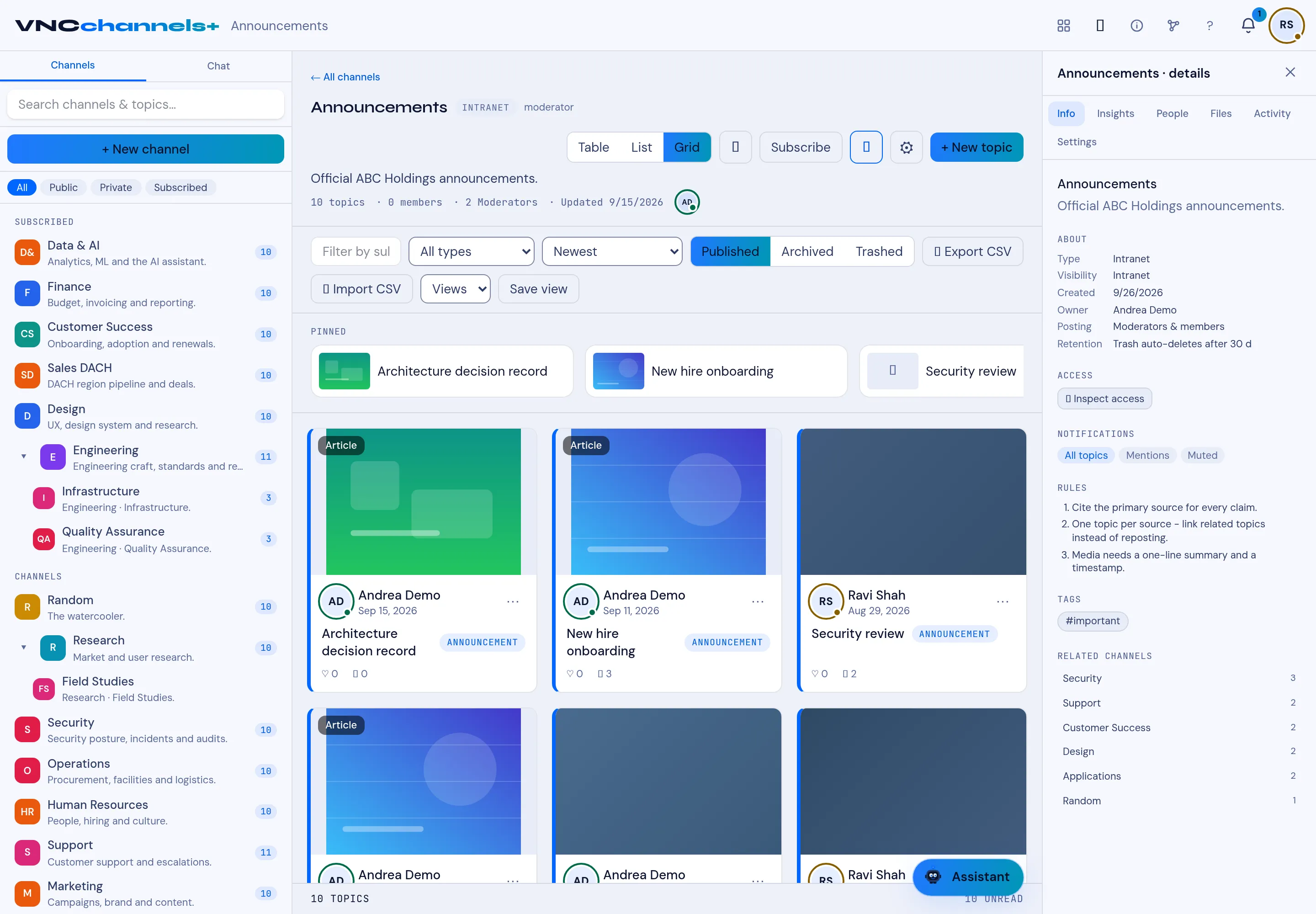
The topic card
Each topic in a channel is a card. Reading the card tells you what the topic is before you open it.
Card elements
Section titled “Card elements”| Element | Meaning |
|---|---|
| Cover | The topic’s visual. |
| Badge | The topic type — Article, Announcement, or a custom type. |
| Author and date | Who published it and when. |
| ⋯ | The card’s actions (edit, move, archive, trash). |
| Title | The topic subject. |
| Reactions and comments | Counts of reactions and comments — see React to a topic and Comment on a topic. |
| Tags | Labels such as ANNOUNCEMENT or #important. |
Pinned and typed topics
Section titled “Pinned and typed topics”PINNED topics appear in their own row above the rest and keep their place. A topic can carry more than one tag; tags are defined per channel.