Audit log
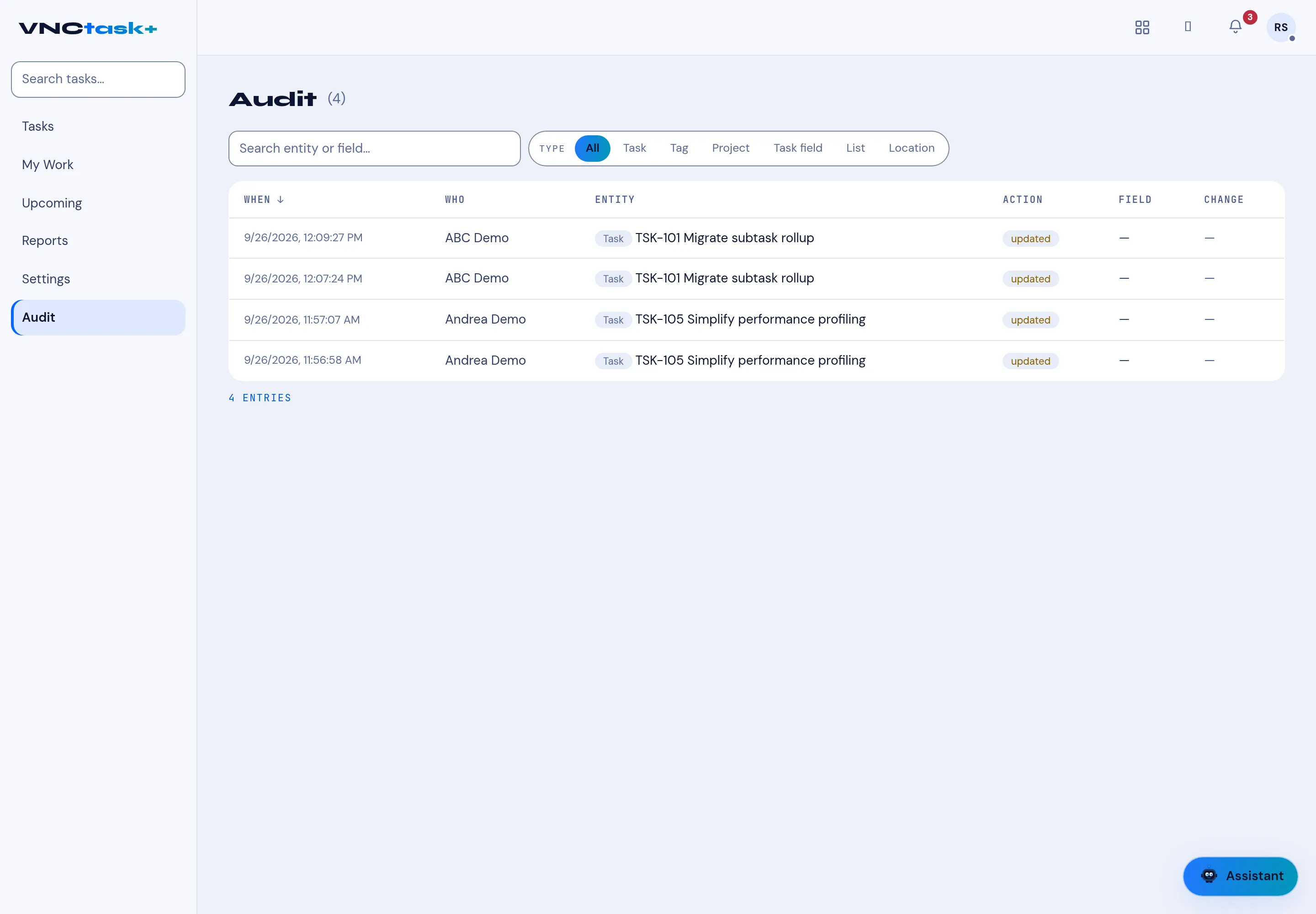
Audit records every change to tasks and their related objects, so you can answer “who changed this, and when?”.
- Open Tasks and select Audit in the left navigation.
- Each row shows When, Who, Entity, Action, Field and Change.
- Filter by Type — All, Task, Tag, Project, Task field, List or Location — or search by entity or field.
- The footer shows the number of entries (for example 4 entries).
Result
Section titled “Result”Every update is attributed to the person who made it (for example ABC Demo — Task TSK-101 Migrate subtask rollup — updated). The list is newest first.