Contact fields and tabs
Tabs (scope)
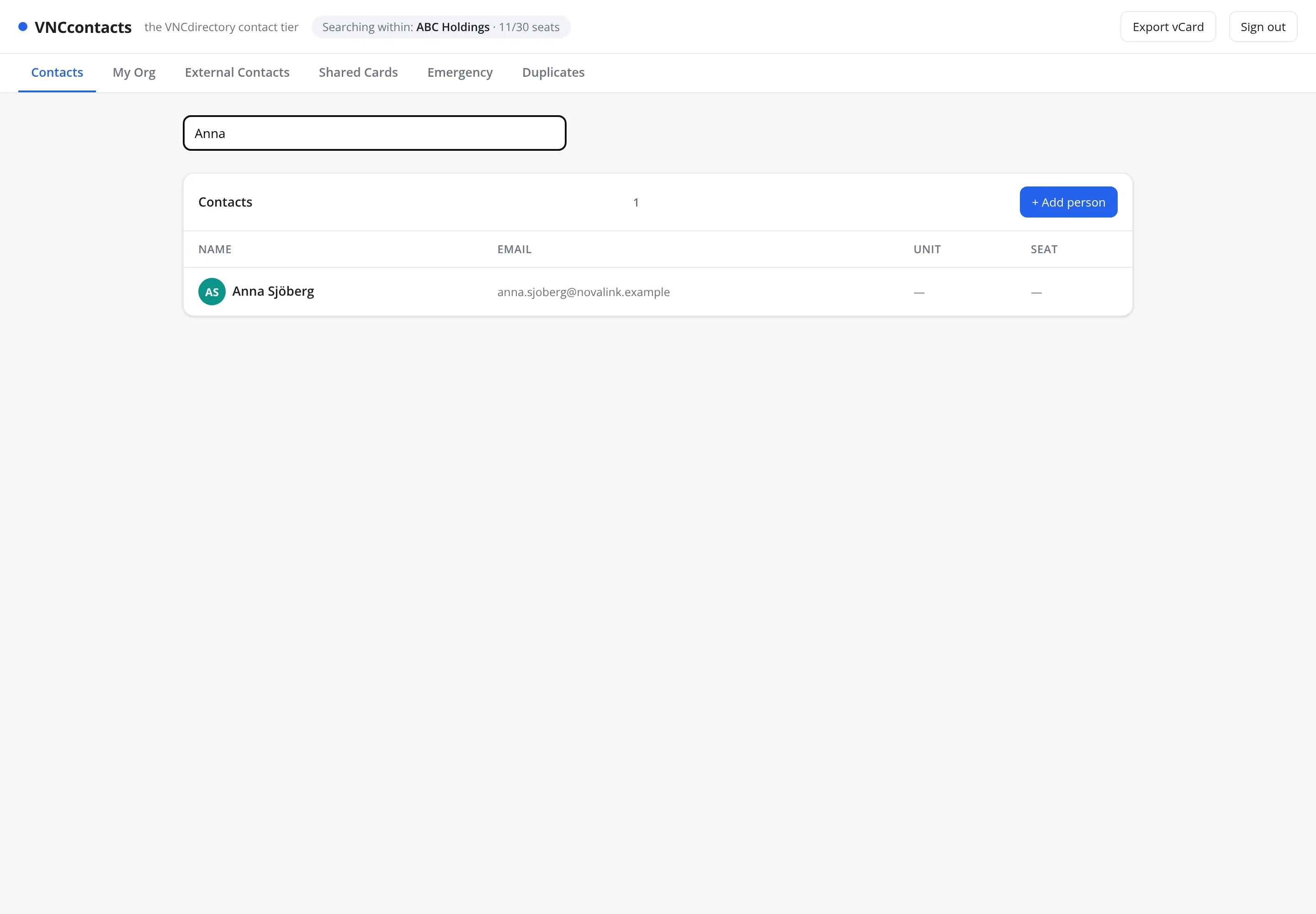
Section titled “Tabs (scope)”| Tab | Shows |
|---|---|
| Contacts | Everyone visible to you. |
| My Org | People in your organization. |
| External Contacts | People outside it. |
| Shared Cards | Shares granted to or by you. |
| Emergency | Emergency contacts. |
| Duplicates | Suggested duplicate records to review. |
List columns
Section titled “List columns”- Name, Email, Unit, Seat.
The Add-contact form
Section titled “The Add-contact form”- Identity — First name, Last name, Display name, Record class, Job title, Company, Gender, Marital status, Nationality, Birthday, Website, Messenger.
- Contact details — Emails, Phones, Addresses (add several).
- Qualification — Status, Rating, Emergency contact, Sync to CRM.
Header
Section titled “Header”Export vCard downloads what you can see; the header also shows the organization you are searching within and your seat usage.