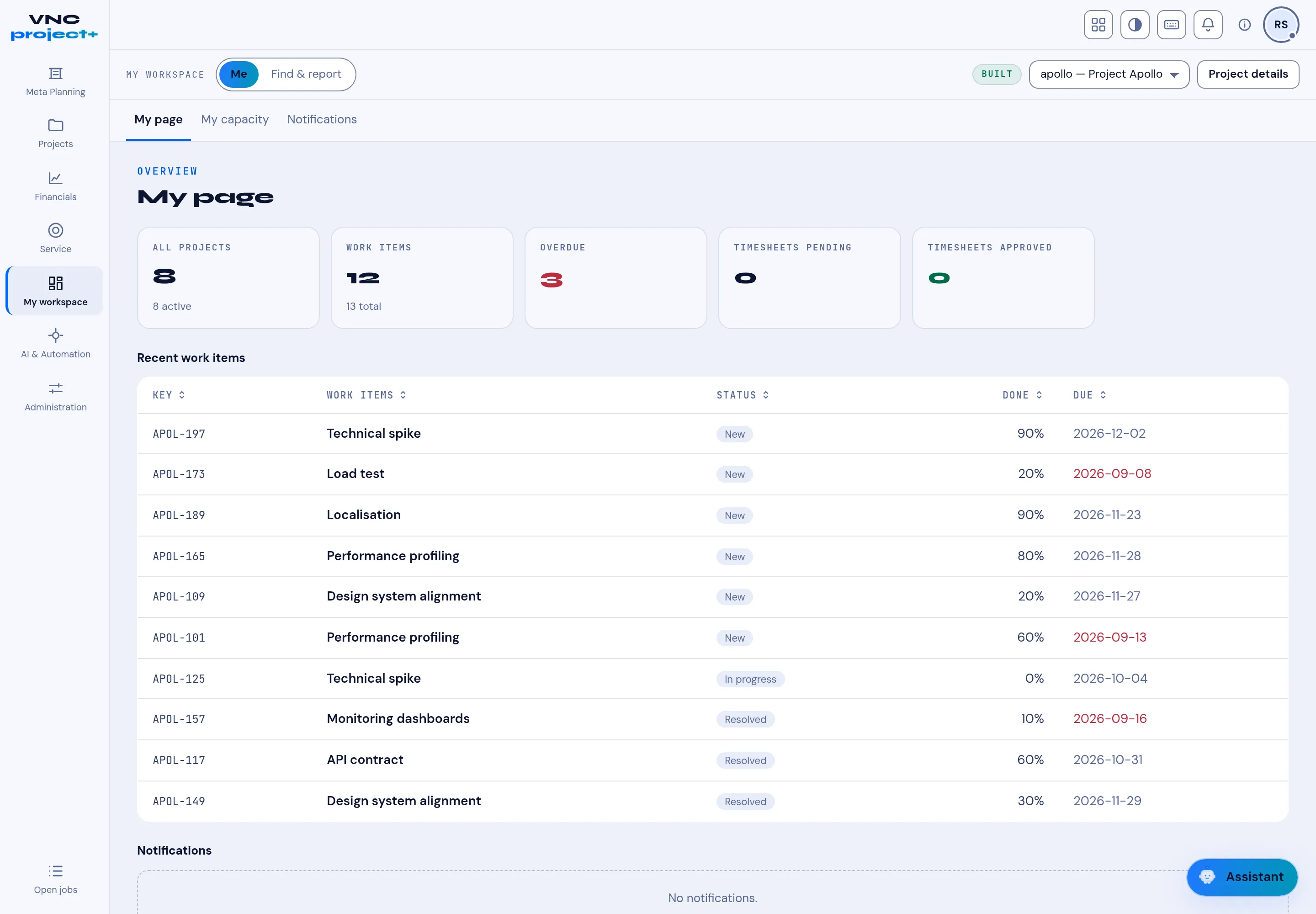
Your My page
My page is your VNCproject+ workspace home. It summarises everything assigned to you across projects.
What it shows
Section titled “What it shows”- KPI tiles — All projects, Work items, Overdue, and Timesheets pending / approved.
- Recent work items — a table with each item’s key (for example
APOL-197), Status, Done % and Due date. Overdue dates are shown in red. - Notifications — anything that needs your attention.
- Open VNCproject+ and choose My workspace → My page in the left navigation.
- Use the tabs My page, My capacity and Notifications to switch views.
- Use Find & report to search across projects and build reports.
- Open the project selector (for example apollo — Project Apollo) to jump straight into a project.