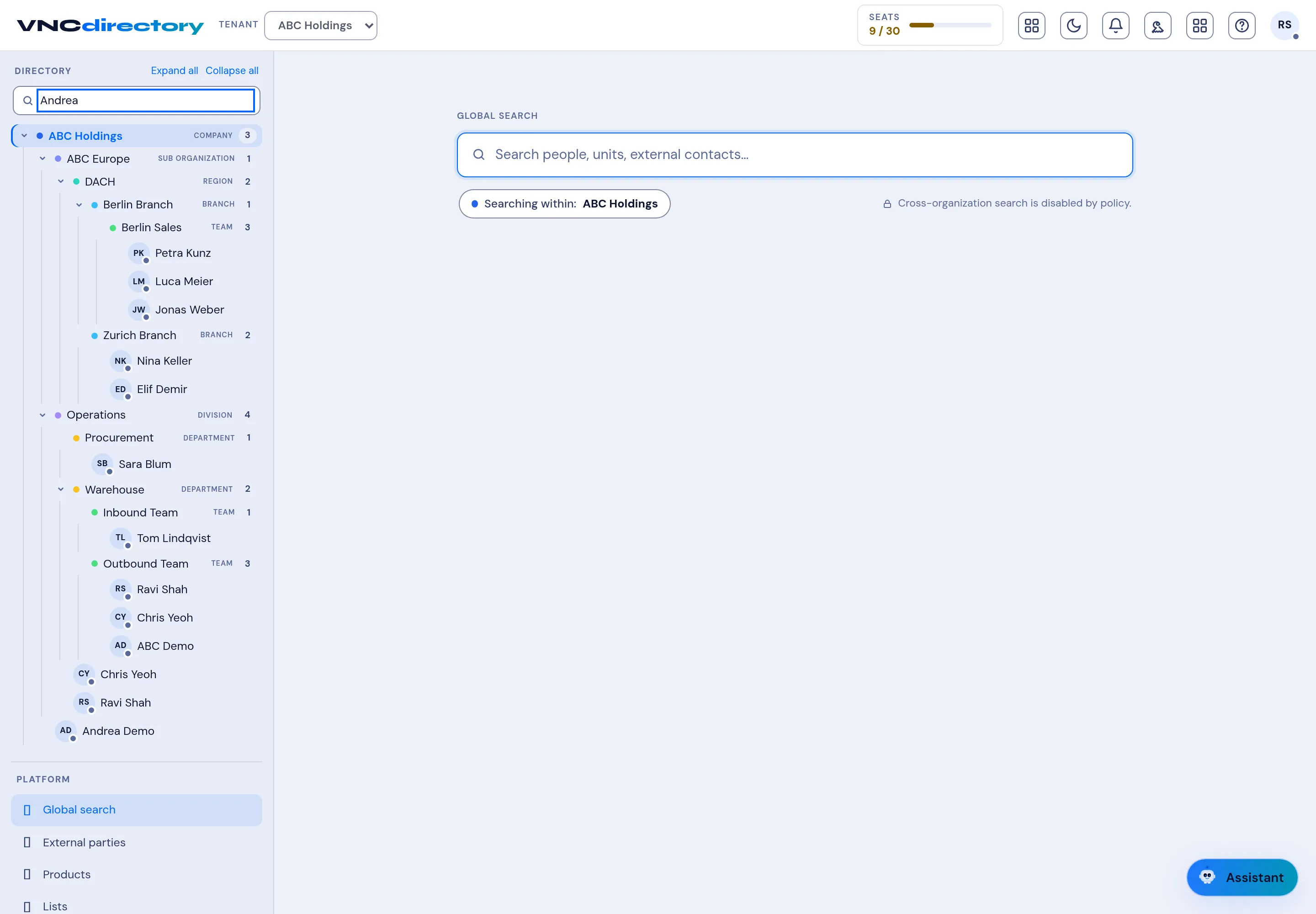
Global search
Global search looks across people, units and external contacts at once, instead of filtering within one unit.
- Open VNCdirectory+ and select Global search (bottom of the left navigation).
- Type in the Search people, units, external contacts… box.
- Note the scope: the badge shows the organization you are searching within (for example Searching within: ABC Holdings). Cross-organization search is disabled by policy when the organization isolates tenants.
- Select a result to open the person, unit or external party.
Result
Section titled “Result”Results update as you type and are limited to what your organization allows you to see.