Contacts and autocomplete
The Contacts app keeps your address books alongside your mail.
Address books and groups
Section titled “Address books and groups”- My address books lists your books; Trusted Senders is its own book, filled as you trust senders. You can have several address books and drag and drop contacts between them.
- Groups have member management.
- Categories (for example No Category) group contacts on the left.
- + at the top of the panel adds a contact.
Finding a contact
Section titled “Finding a contact”Search contacts… filters the list; select a contact to see its details on the right. Contacts stay in step over JMAP (RFC 9553 / 9610), falling back to local storage.
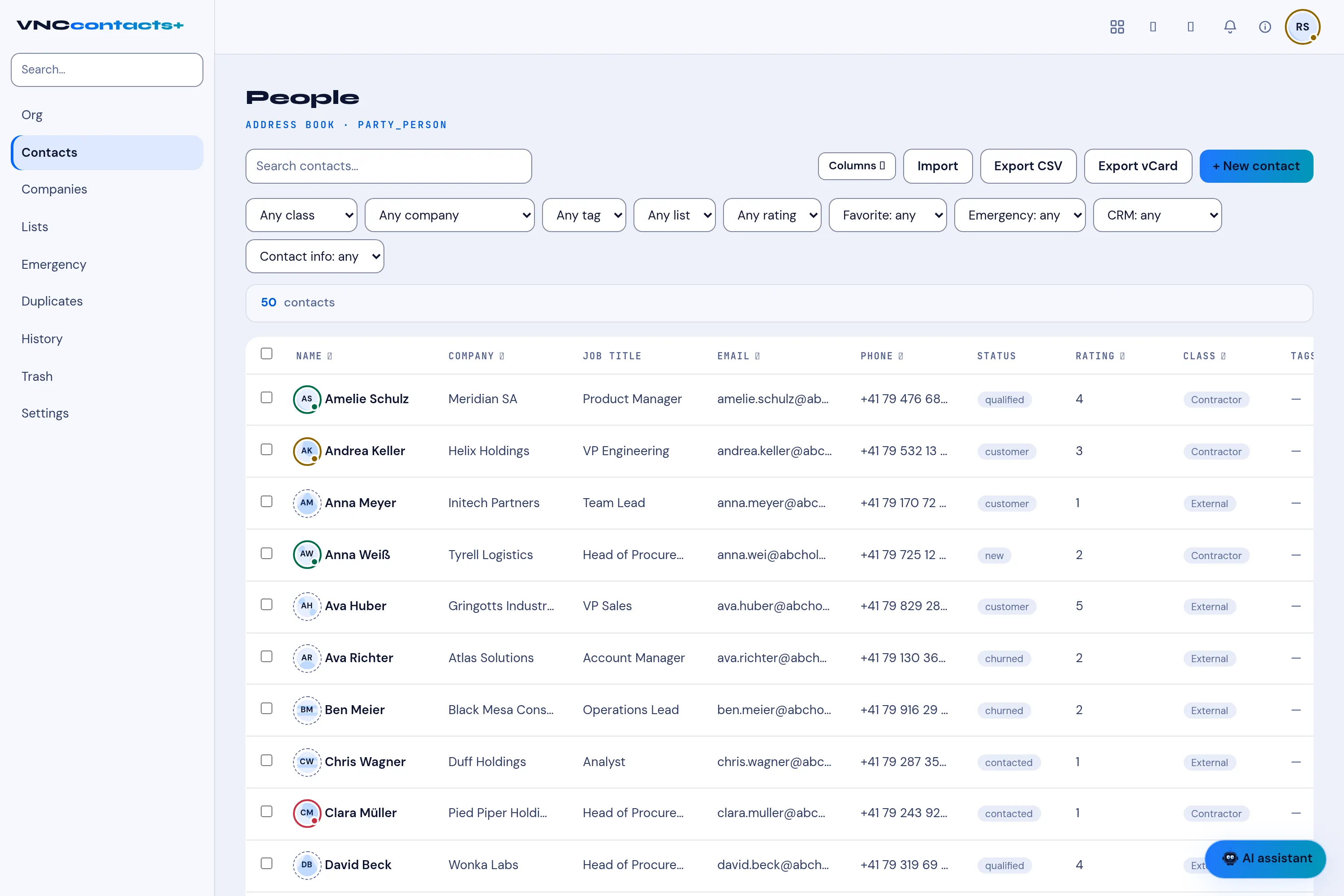
The VNCcontacts+ address book
Section titled “The VNCcontacts+ address book”Alongside your own address books, the Contacts app shows a VNCcontacts+ entry — your organisation’s shared address book, shown here read-only. Manage those people in VNCcontacts+; the composer’s autocomplete draws on them too, so suite contacts complete as you type.
Import and export
Section titled “Import and export”vCard (RFC 6350) import and export, with duplicate detection on import.
Autocomplete
Section titled “Autocomplete”The composer autocompletes addresses on To, Cc and Bcc. Recent recipients appear as recipient popovers.