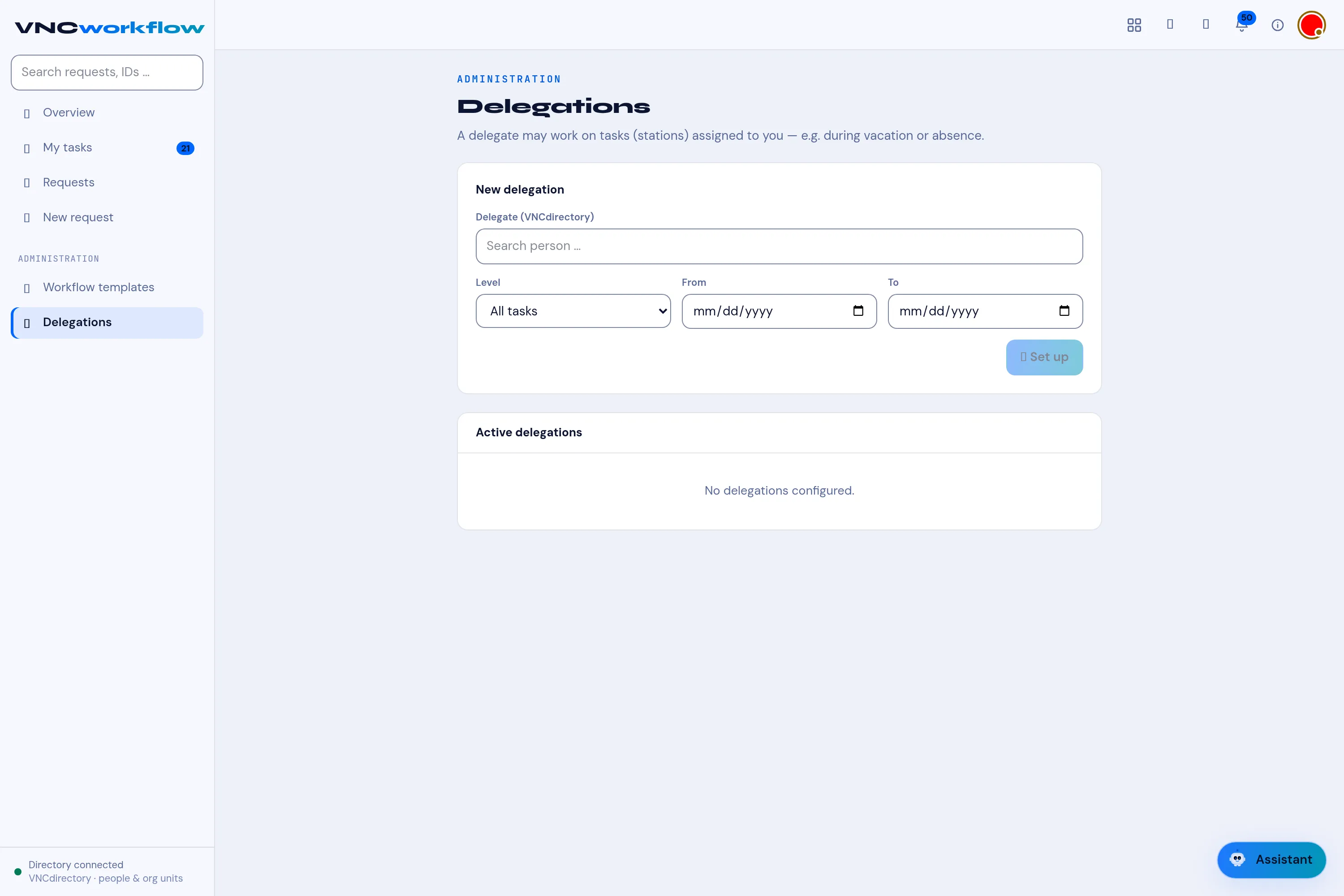
Set up a delegation
A delegation lets another person work on the tasks — the stations — assigned to you, for example during vacation or absence. A delegate is a person from VNCdirectory+, so the picker shows the same people you see everywhere else.
Set one up
Section titled “Set one up”- In the sidebar under ADMINISTRATION, open Delegations.
- Under New delegation, search for the person in Delegate (VNCdirectory+) and select them.
- Choose the Scope (Umfang):
- All tasks — the delegate may act on every station assigned to you.
- Approvals only — only stations where a decision is taken.
- Statements only — only statement stations.
- Optionally set From / To — the window the delegation is active; leave them blank for open-ended.
- Select + Set up. The delegate is added to Active delegations.
While a delegation is active
Section titled “While a delegation is active”The delegate sees your stations under their My tasks and can act on them exactly as you would — within the scope and window you set (approve, complete a review, reject, remind or escalate — see Act on a request at your station).
Remove a delegation
Section titled “Remove a delegation”Open Delegations and remove the entry from Active delegations. The delegate immediately loses access to your stations.