Settings
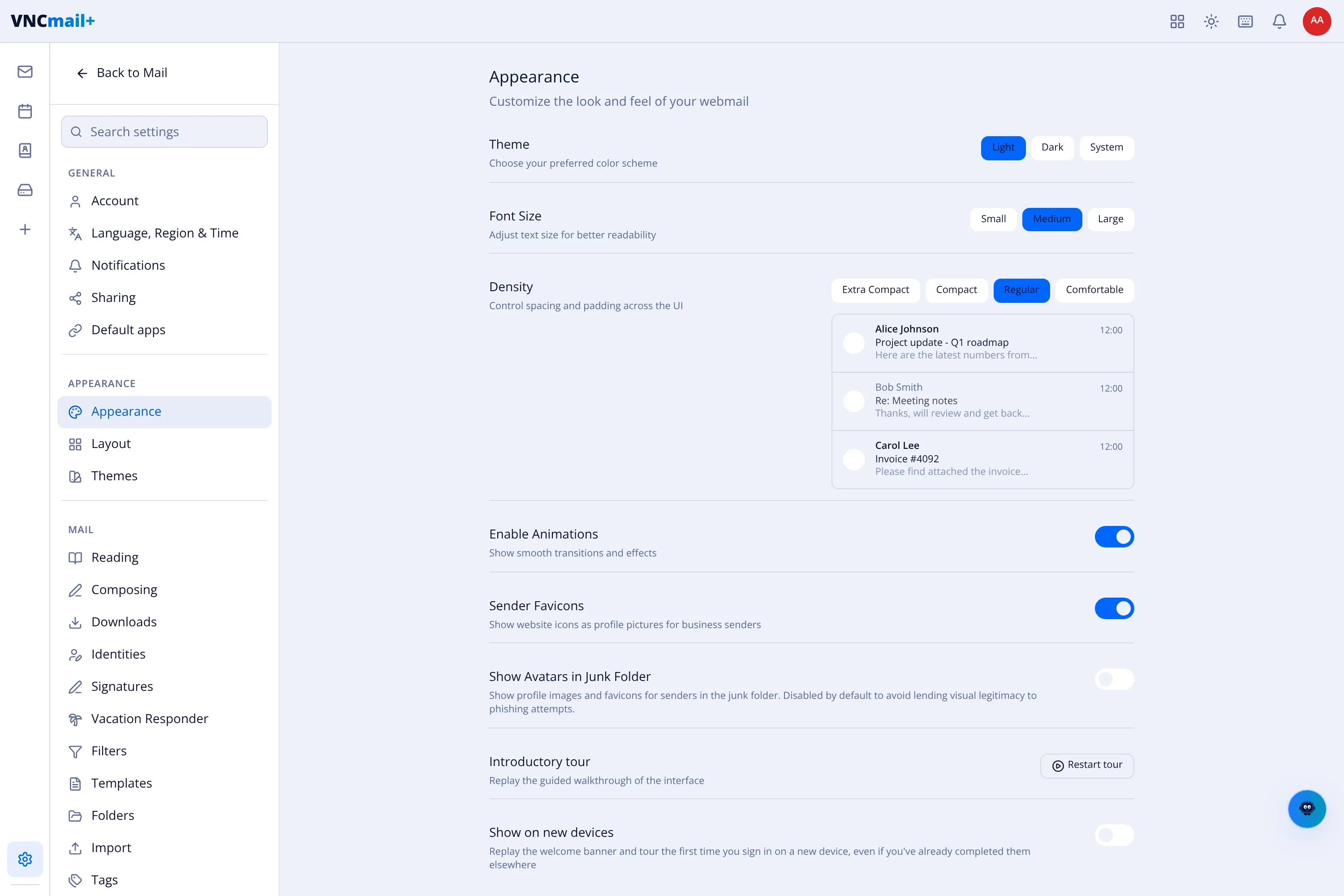
Open Settings from the sidebar. The left column groups the sections; the right column shows the selected one.
General
Section titled “General”| Section | For |
|---|---|
| Account | Your identity, addresses and server. |
| Language, Region & Time | Language, time zone and date format. |
| Notifications | Which events alert you, and how. |
| Sharing | Sharing your calendar and availability. |
| Default apps | Which app opens for a given file or task. |
Appearance
Section titled “Appearance”Appearance sets the Theme (Light / Dark / System), Font size, Density, Animations, Sender favicons, whether to Show avatars in the junk folder, and lets you Restart the introductory tour.
The other appearance sections are Layout and Themes.
Reading, Composing, Downloads, Identities, Signatures, Vacation responder, Filters, Templates, Folders, Import and Tags.
Privacy & security
Section titled “Privacy & security”The privacy and security options for your account.