First steps with VNCproject+
By the end of this tour you will have read your page and added a work item.
1. Open your workspace
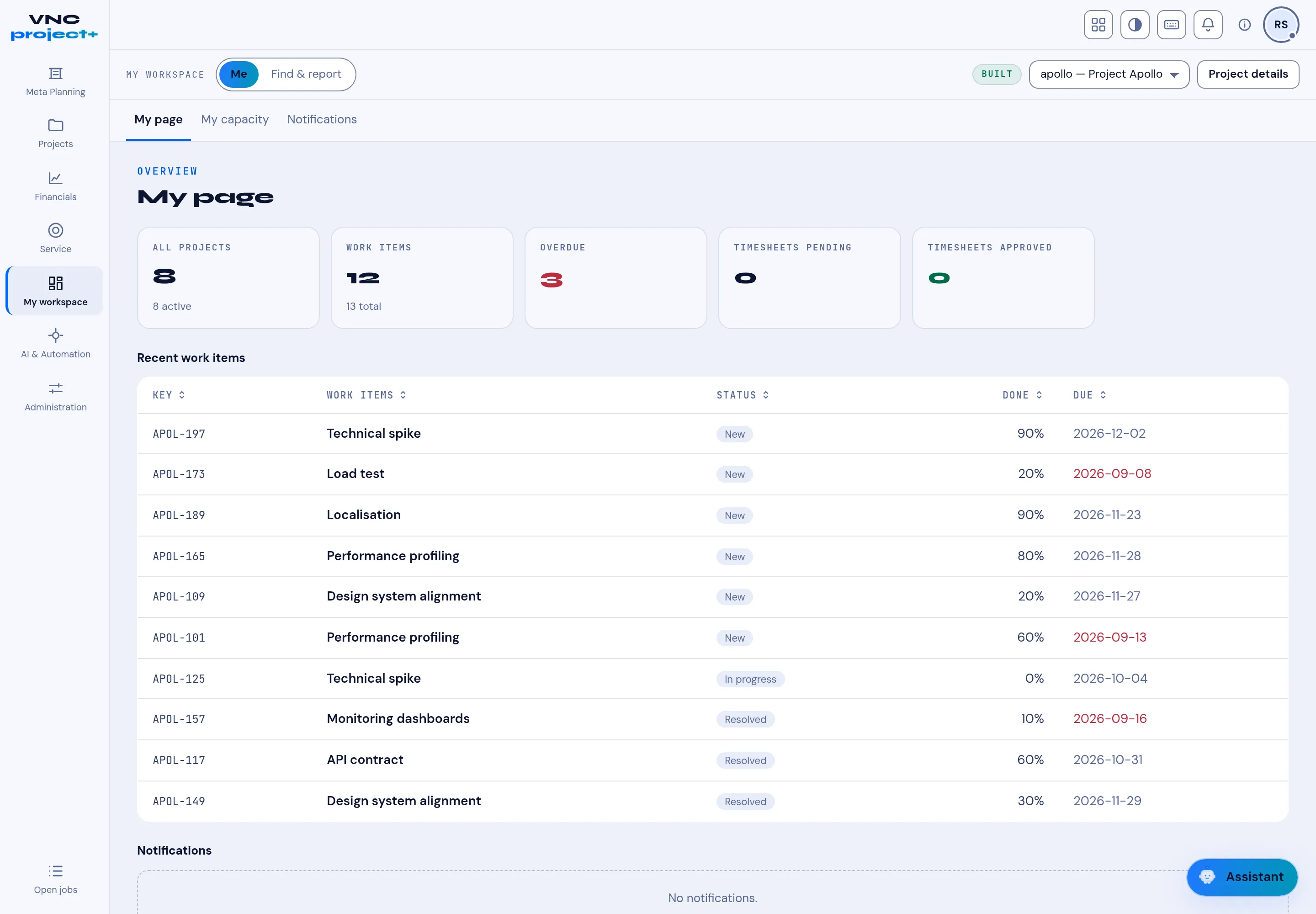
Section titled “1. Open your workspace”Open VNCproject+ from the portal. My workspace → My page summarises your portfolio: projects, work items, overdue and timesheets.
2. Find a project
Section titled “2. Find a project”Select Projects for the portfolio, and pick the active project with the selector in the top bar (for example apollo — Project Apollo).
3. Add a work item
Section titled “3. Add a work item”Open the project’s Work items tab and select New work item. Give it a subject and, ideally, a priority and assignee.
4. Plan capacity
Section titled “4. Plan capacity”Use My capacity to see your load against 100%, and Plan / Agile on the project for scheduling and boards.
What you learned
Section titled “What you learned”- My page is your home; Projects is the portfolio.
- Work items belong to a project and appear on the Work items tab.