The left navigation
The sidebar (left) is the app’s whole map. Learn these six items and you know VNCtask+.
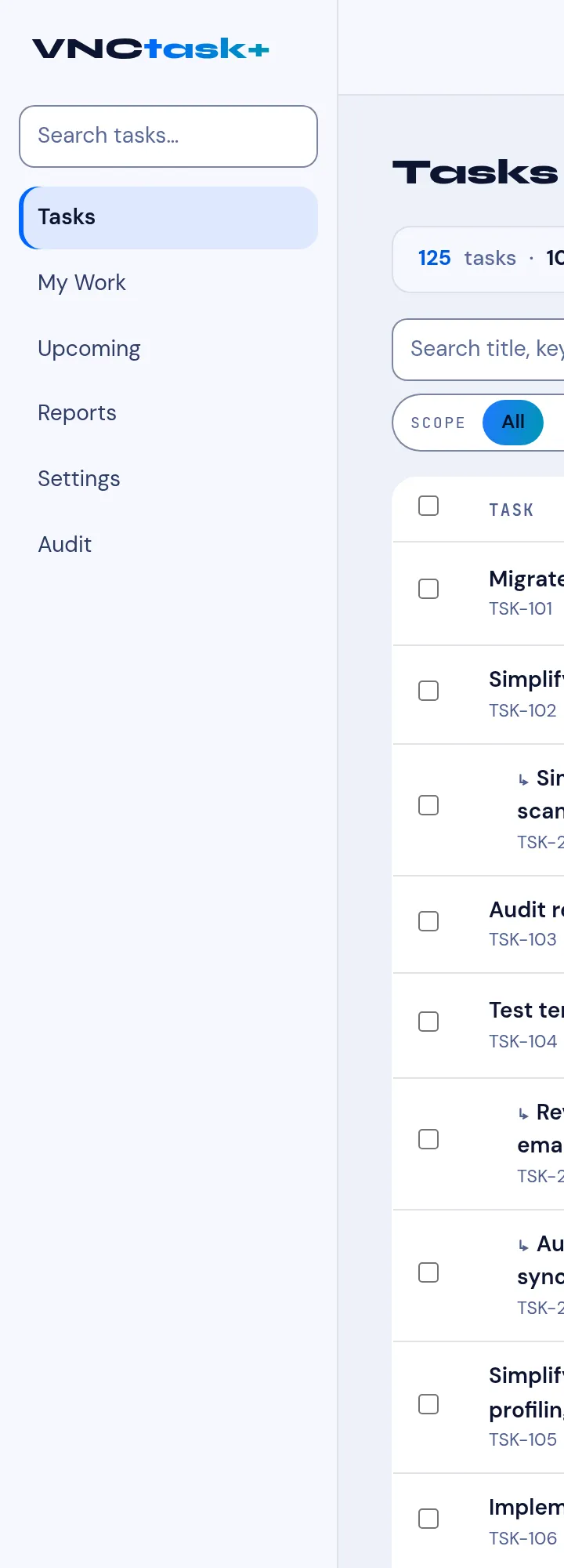
The full table of every task you can see — searchable and filterable, with Filter, Columns and Due controls. This is the default view. → The task list · Filter and search
My Work
Section titled “My Work”Your tasks grouped by urgency — Overdue, Today, This week, Watching. The page you open first if you want “what is on me”. → Your work · Your work (reference)
Upcoming
Section titled “Upcoming”Everything not done, soonest first, with an Overdue section on top — the calendar-flavoured read of the same data. → What’s next (Upcoming)
Reports
Section titled “Reports”Aggregates over the tasks you can see: by status, priority, project and time logged, plus the cycle/throughput charts. → Task reports · Task statistics
Settings
Section titled “Settings”Per-user task settings — for example the trackers, the default board and your notification choices. → Task settings
The audit log: who changed what on a task and when. → The audit log · Open the audit log
The board
Section titled “The board”The Board is a lens on the same tasks (columns by status), reachable from the view switch — not a separate sidebar item. → Use the task board · How the views relate