Rooms are private to your organization
Every VNCchat room belongs to one organization (your tenant). This is true even when several organizations are served by the same chat service.
What this means for you
Section titled “What this means for you”- You only ever see the rooms of your own organization. A room is stored under
your organization’s key, so two organizations can use the same room name — for
example
general— and never land in the same room. - You cannot see, join or be discovered by people from another organization. Rooms, members and history are kept apart by the service itself, not just by the app.
- The meeting for a room follows the same rule: a room’s chat and its call are scoped to your organization.
Why it works this way
Section titled “Why it works this way”To keep each organization isolated, VNCchat scopes every room it creates or joins
with your organization’s key before the name. You use the room’s plain name — for
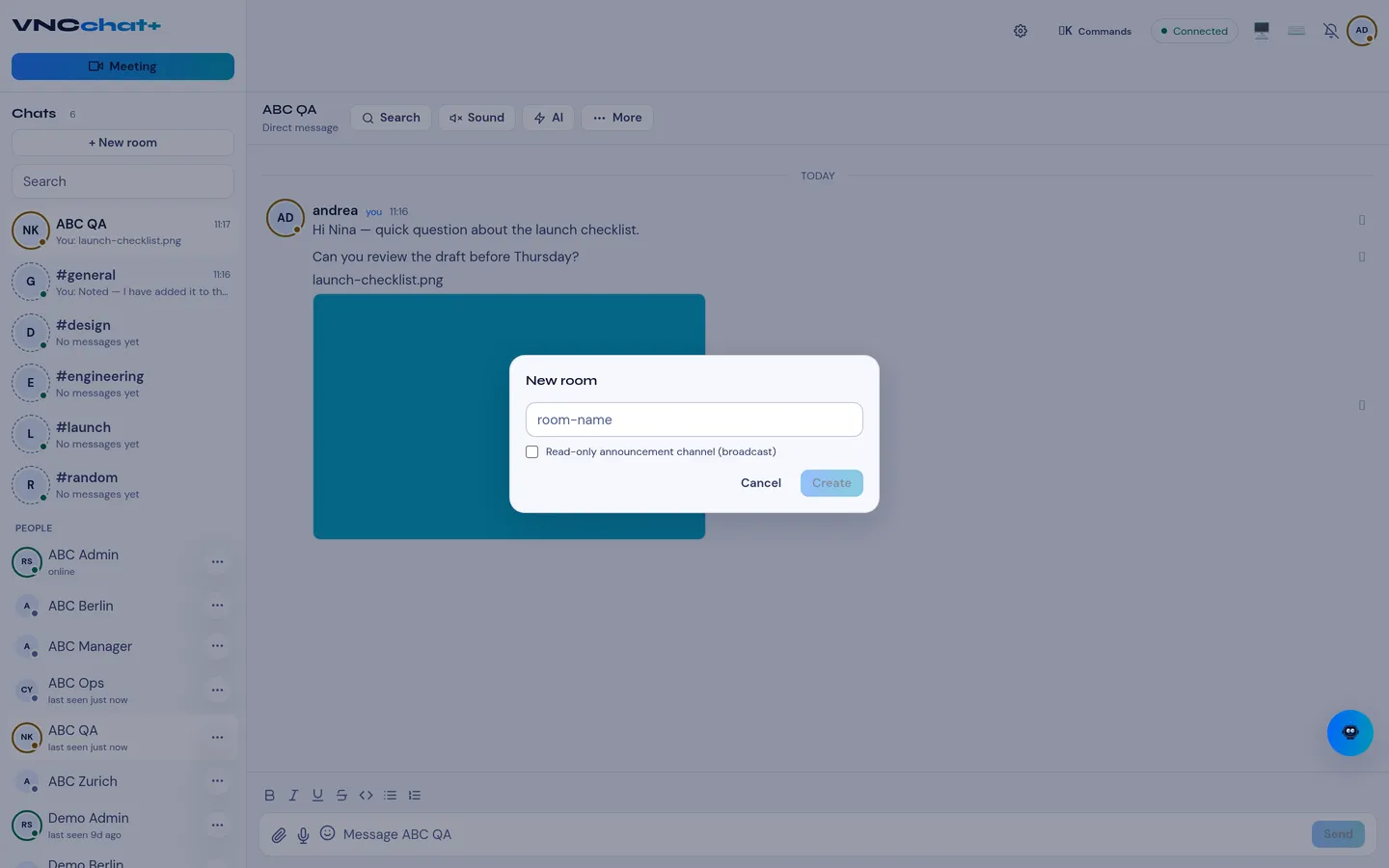
example Create room → project-atlas — and VNCchat handles the scoping for
you. This is why a room you create is visible to your colleagues and to no one
else.